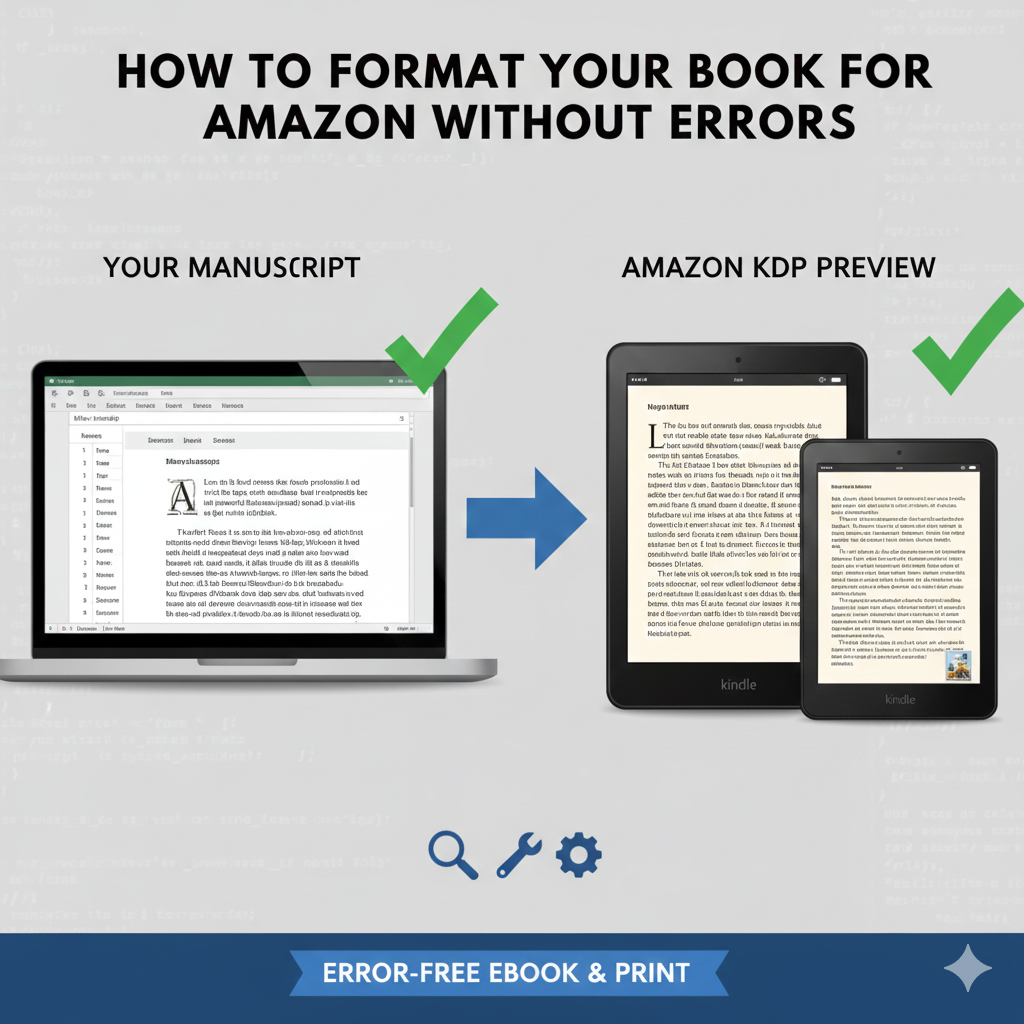
How to Format Your Book for Amazon Without Errors
Introduction: Why Amazon Book Formatting Matters
Formatting is one of the most overlooked steps in self-publishing, yet it is one of the most critical. Many authors write a great book but face rejection, poor reviews, or publishing delays because of formatting errors.
Amazon has strict formatting guidelines for both eBooks and print books. Even small mistakes—like inconsistent spacing, broken page breaks, or incorrect margins—can lead to upload errors or a poor reading experience.
The good news is that Amazon book formatting does not have to be complicated. With the right approach and attention to detail, you can format your book correctly the first time and publish with confidence.
This guide explains everything you need to know—step by step—to format your book for Amazon without errors.
What Is Amazon Book Formatting?
Amazon book formatting is the process of preparing your manuscript so it meets Amazon KDP’s technical and visual requirements. This ensures your book displays correctly across Kindle devices, apps, and printed editions.
Formatting is different from editing. Editing focuses on language and structure, while formatting focuses on layout and presentation.
Proper formatting includes:
-
Correct page size and margins
-
Consistent fonts and spacing
-
Working table of contents
-
Clean chapter breaks
-
Error-free file conversion
Without correct formatting, even a well-written book can fail on Amazon.
Understanding Amazon KDP Formatting Requirements
Before formatting your book, it is important to understand Amazon’s expectations.
Kindle eBook Formatting Requirements
Kindle books are reflowable. This means text adjusts based on screen size and reader settings.
Key requirements include:
-
Simple, clean formatting
-
No fixed page numbers
-
Proper paragraph spacing
-
Functional hyperlinks for navigation
Amazon accepts:
-
DOC or DOCX
-
EPUB
-
KPF (Kindle Create format)
Paperback and Hardcover Formatting Requirements
Print books require precise formatting because layout does not change after printing.
Important elements include:
-
Correct trim size
-
Proper margins and gutter
-
Page numbers placed correctly
-
High-resolution images (300 DPI)
Amazon accepts:
-
Print-ready PDF files
Step-by-Step Guide to Amazon Book Formatting
Step 1: Finalize Your Manuscript First
Formatting should always come after editing and proofreading.
Before formatting, make sure:
-
All edits are complete
-
Chapter order is final
-
No tracked changes remain
-
Spelling and grammar are checked
Formatting an unfinished manuscript leads to wasted time and errors.
Step 2: Choose the Right Trim Size (Print Books)
Trim size is the final size of your printed book.
Common Amazon trim sizes include:
-
5 x 8 inches
-
5.25 x 8 inches
-
6 x 9 inches
Once selected, do not change the trim size later. It affects margins, page count, and layout.
Step 3: Set Correct Margins and Gutter
Margins ensure text is readable and not cut off during printing.
For print books:
-
Inside margin (gutter) must be wider
-
Top, bottom, and outside margins must follow KDP guidelines
Incorrect margins are one of the most common Amazon book formatting errors.
Step 4: Apply Consistent Fonts and Styles
Use simple, professional fonts.
Best practices:
-
Serif fonts for print (Times New Roman, Garamond)
-
Sans-serif fonts for headings
-
Avoid decorative fonts
-
Use one font family throughout
For Kindle, Amazon controls font appearance, so keep formatting minimal.
Step 5: Format Paragraphs Correctly
Paragraph formatting impacts readability.
Correct approach:
-
Use first-line indentation for print
-
Avoid extra blank lines between paragraphs
-
Use consistent spacing throughout
Never use the spacebar or tab key for alignment. Always use paragraph settings.
Step 6: Create Proper Chapter Breaks
Chapter breaks should be clean and consistent.
Best practices:
-
Start each chapter on a new page (print)
-
Use page breaks, not multiple returns
-
Center chapter titles
For Kindle books, use page breaks to help navigation work correctly.
Step 7: Build a Functional Table of Contents
A table of contents is mandatory for Kindle books.
Requirements:
-
Clickable links
-
Correct chapter destinations
-
No broken or missing links
For print books, the table of contents must match actual page numbers exactly.
Step 8: Insert Page Numbers Correctly (Print Books)
Page numbering rules:
-
Front matter uses Roman numerals (optional)
-
Main content uses Arabic numbers
-
Page numbers should not appear on title pages
Incorrect page numbering is a frequent formatting issue.
Step 9: Format Front Matter and Back Matter
Front matter includes:
-
Title page
-
Copyright page
-
Dedication (optional)
-
Table of contents
Back matter may include:
-
Author bio
-
Call-to-action
-
Other books by the author
Each section must be cleanly separated and consistently styled.
Step 10: Convert and Validate Your Files
Before uploading, review your files carefully.
Use Amazon’s preview tools to:
-
Check spacing and alignment
-
Test navigation links
-
Review page breaks
-
Spot formatting glitches
Never skip this step. Many errors are caught only during preview.
Benefits of Proper Amazon Book Formatting
Correct Amazon book formatting offers several advantages.
Improved Reader Experience
Readers expect professional-quality books. Clean formatting improves readability and engagement.
Faster Amazon Approval
Books that meet formatting standards pass review faster and face fewer rejections.
Better Reviews and Sales
Formatting errors often lead to negative reviews. A professional layout builds trust and credibility.
Compatibility Across Devices
Correct formatting ensures your book works smoothly on all Kindle devices and print formats.
Best Practices for Error-Free Amazon Book Formatting
Follow these best practices to avoid problems:
-
Keep formatting simple
-
Use styles instead of manual formatting
-
Follow Amazon KDP guidelines exactly
-
Always preview before publishing
-
Save backup versions of your files
Consistency is the key to professional formatting.
Common Amazon Book Formatting Mistakes to Avoid
Even experienced authors make formatting mistakes. Here are the most common ones.
Using Tabs and Spaces for Alignment
This causes layout issues on different devices and screen sizes.
Incorrect Margin Settings
Wrong margins lead to text being cut off or rejected by Amazon.
Broken Table of Contents Links
Non-functional navigation creates a poor user experience and can fail KDP review.
Over-Formatting Kindle eBooks
Complex fonts, colors, and layouts often break on Kindle devices.
Skipping the Preview Stage
Publishing without previewing is one of the biggest mistakes authors make.
Why Choose a Professional Amazon Book Formatting Service?
Formatting looks simple, but it requires technical precision and experience.
A professional Amazon book formatting service:
-
Follows updated KDP guidelines
-
Formats for Kindle and print correctly
-
Tests files thoroughly
-
Saves time and stress
-
Reduces the risk of rejection
Professional formatting ensures your book looks polished, credible, and market-ready.
Final Thoughts: Format Your Book the Right Way
Amazon book formatting is not just a technical step—it is a critical part of your publishing success. A well-formatted book improves reader experience, protects your reputation, and increases your chances of positive reviews.
By following a clear process, avoiding common mistakes, and using best practices, you can format your book for Amazon without errors.
If you want complete accuracy and professional results, working with experienced formatting specialists is often the smartest choice. Your book deserves to look as good as it reads.