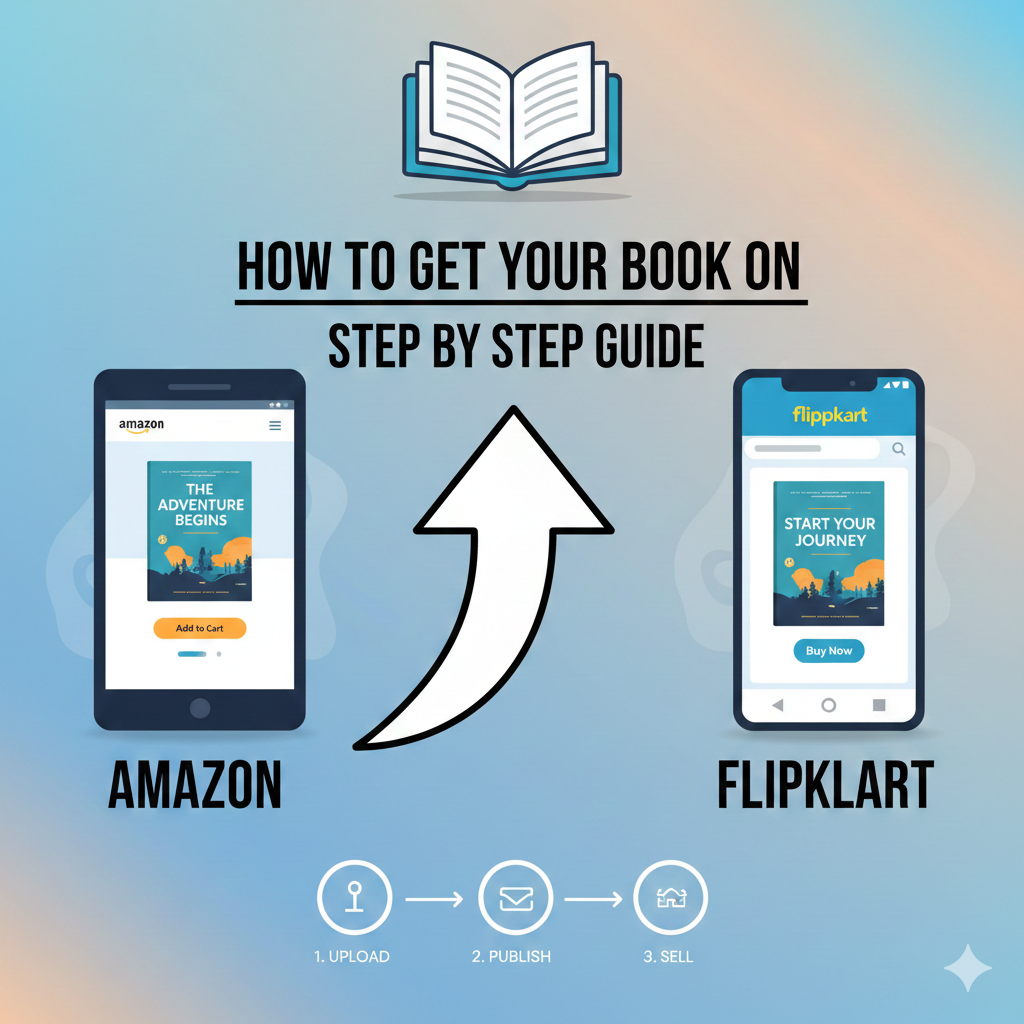
How to Publish Your Book on Amazon and Flipkart Easily
Introduction: Why Publishing on Amazon and Flipkart Matters
Many authors finish writing their book but struggle with the next step—getting it in front of readers. Printing copies alone is not enough. Without proper online distribution, your book remains invisible.
Today, most readers buy books online. Platforms like Amazon and Flipkart dominate the Indian book market. Millions of readers visit these platforms daily looking for new books. If your book is listed there, you instantly gain access to a massive audience.
The good news is that you can publish your book on Amazon and Flipkart without being a traditional publisher. With the right process, your book can be available worldwide.
In this guide, you will learn exactly how to publish your book on Amazon and Flipkart step by step, even if you are a first-time author.
Understanding How Online Book Publishing Works
Before diving into the steps, it is important to understand how online publishing works.
There are two main formats:
1. eBook Publishing
Your book is sold digitally. Readers download and read it on devices like Kindle, mobile phones, tablets, or computers.
Benefits include:
-
No printing cost
-
Instant delivery
-
Higher royalty margins
-
Global reach
2. Paperback Publishing
Your book is printed and shipped to customers.
This works through Print-on-Demand (POD). The book is printed only when someone orders it. This means you do not need to store inventory.
Amazon supports both eBooks and paperbacks. Flipkart mainly supports paperback distribution through publishers or distribution partners.
Step 1: Prepare Your Book Manuscript Professionally
Before you publish your book on Amazon and Flipkart, your manuscript must be ready.
This is the foundation of successful publishing.
Your manuscript should include:
-
Proper formatting
-
Correct grammar and spelling
-
Clear chapter structure
-
Professional layout
-
Consistent fonts and spacing
Recommended formatting basics:
-
Font: Times New Roman or Garamond
-
Font size: 11 or 12
-
Line spacing: 1.5
-
Page size: 5x8 or 6x9 inches
Poor formatting makes your book look unprofessional and reduces sales.
Professional formatting improves readability and credibility.
Step 2: Design a Professional Book Cover
Your book cover is the first thing readers see.
A professional cover increases clicks and sales dramatically.
Your cover should include:
-
Clear title
-
Author name
-
High-quality design
-
Relevant imagery
-
Correct dimensions
For Amazon paperback, you need:
-
Front cover
-
Back cover
-
Spine
For eBooks, only the front cover is required.
Avoid amateur designs. Readers judge your book by its cover.
Step 3: Create an Amazon Kindle Direct Publishing Account
Amazon uses Kindle Direct Publishing (KDP) for authors.
This platform allows you to publish your book directly.
Steps to create your account:
-
Go to Amazon Kindle Direct Publishing
-
Sign in with your Amazon account
-
Add your author and payment details
-
Complete tax information
Once your account is ready, you can publish both eBook and paperback.
Step 4: Upload Your eBook on Amazon
Publishing an eBook on Amazon is simple.
Follow these steps:
-
Log in to your KDP account
-
Click "Create New Title"
-
Choose "Kindle eBook"
-
Enter book details:
-
Book title
-
Subtitle
-
Author name
-
Description
-
Keywords
-
Categories
-
Upload your manuscript file
-
Upload your cover
-
Set pricing
-
Click Publish
Your eBook usually becomes live within 24–72 hours.
Step 5: Publish Your Paperback on Amazon
Amazon allows paperback publishing through Print-on-Demand.
Steps:
-
Go to your KDP dashboard
-
Click "Create Paperback"
-
Enter book details
-
Upload formatted PDF manuscript
-
Upload paperback cover
-
Select book size and paper type
-
Set pricing
-
Approve proof
-
Publish
Once approved, Amazon prints and ships your book automatically.
You do not need to handle printing or delivery.
Step 6: Get an ISBN for Your Book
ISBN stands for International Standard Book Number.
It is a unique ID for your book.
You need ISBN for:
-
Paperback publishing
-
Distribution on Flipkart
-
Professional publishing
Amazon provides free ISBN, but using your own ISBN gives more control.
ISBN helps bookstores and platforms identify your book.
Step 7: Publish Your Book on Flipkart
Flipkart does not allow direct publishing like Amazon. You need a distributor or publishing partner.
There are two main ways:
Option 1: Through a Publishing Company
Professional publishing companies help distribute your book on Flipkart.
They handle:
-
ISBN assignment
-
Listing creation
-
Distribution
-
Inventory management
This is the easiest method.
Option 2: Through a Distributor
Distributors act as middlemen between authors and Flipkart.
They:
-
Upload your book
-
Manage listings
-
Handle logistics
This requires some setup and coordination.
Step 8: Create an Optimized Book Listing
Your book listing affects visibility and sales.
A good listing includes:
Book Title
Clear and relevant.
Book Description
Explain what readers will gain.
Include:
-
Problem the book solves
-
Key benefits
-
Why readers should buy
Keywords
Use relevant search terms.
Examples:
-
self publishing guide
-
book publishing India
-
how to publish book
Categories
Choose the correct category.
This helps readers find your book.
Step 9: Set the Right Price
Pricing affects sales significantly.
Consider:
-
Genre
-
Book length
-
Market competition
Typical price range in India:
-
eBook: ₹99–₹299
-
Paperback: ₹199–₹499
Competitive pricing improves sales volume.
Step 10: Approve and Launch Your Book
Before publishing, review everything carefully.
Check:
-
Formatting
-
Cover quality
-
Description
-
Pricing
Once approved, your book becomes live.
Readers can now find and buy your book.
Benefits of Publishing Your Book on Amazon and Flipkart
Publishing on these platforms offers huge advantages.
Massive Audience Reach
Millions of readers visit daily.
No Inventory Required
Print-on-demand eliminates storage.
Passive Income Opportunity
Earn royalties from each sale.
Global Distribution
Amazon distributes worldwide.
Full Author Control
You control pricing and updates.
Best Practices for Successful Book Publishing
Follow these tips for better results.
Invest in Professional Editing
Errors damage credibility.
Use High-Quality Cover Design
Improves clicks and conversions.
Write a Strong Book Description
Encourages readers to buy.
Choose the Right Keywords
Improves search visibility.
Promote Your Book
Marketing increases sales.
Common Mistakes to Avoid
Many authors make avoidable mistakes.
Avoid these:
Poor Formatting
Makes your book look unprofessional.
Low-Quality Cover
Reduces trust and sales.
Wrong Categories
Limits visibility.
No ISBN
Reduces distribution opportunities.
No Marketing
Publishing alone is not enough.
Why Choose a Professional Publishing Service
While self publishing is possible, professional services provide significant advantages.
They help with:
Professional Formatting
Improves reading experience.
Cover Design
Increases sales potential.
ISBN and Copyright Support
Ensures legal protection.
Distribution on Amazon and Flipkart
Expands reach.
Listing Optimization
Improves visibility.
Publishing Support
Saves time and avoids errors.
This allows authors to focus on writing while experts handle publishing.
How Professional Publishing Companies Help Authors Succeed
Professional publishers simplify the entire process.
They provide:
-
End-to-end publishing support
-
Professional book formatting
-
Custom cover design
-
ISBN assignment
-
Amazon publishing
-
Flipkart distribution
-
Listing optimization
This ensures your book meets industry standards.
It also increases your chances of success.
Final Thoughts: Start Publishing and Reach Millions of Readers
Publishing a book is no longer limited to traditional publishers. Today, any author can publish your book on Amazon and Flipkart and reach millions of readers.
The process involves preparing your manuscript, designing a professional cover, publishing on Amazon, and distributing on Flipkart through proper channels.
While you can do everything yourself, professional publishing services make the process faster, easier, and more effective.
Most importantly, publishing online gives your book global visibility, credibility, and income potential.
If you have written a book, the best time to publish is now. Your readers are already searching. All you need to do is make your book available.