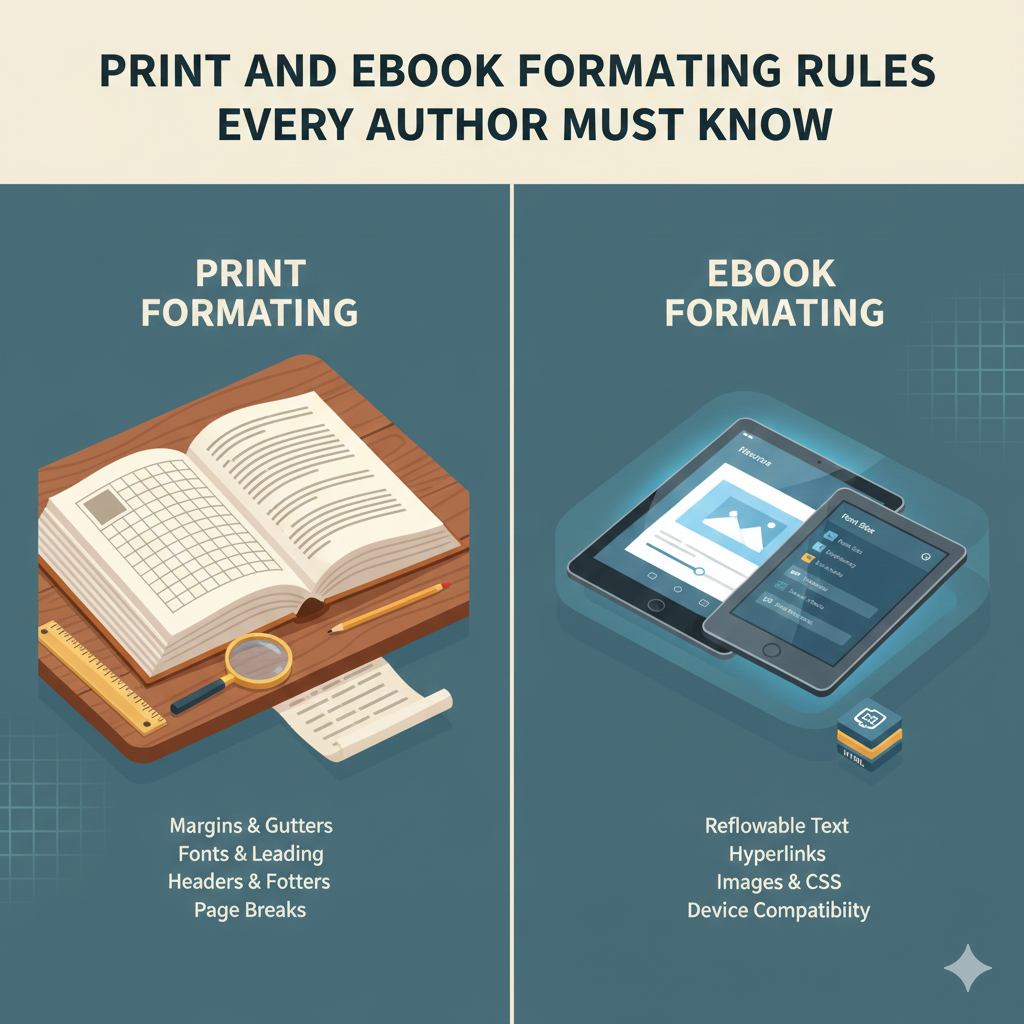
Print and eBook Formatting Rules Every Author Must Know
Introduction: Why Book Formatting Rules Matter More Than You Think
Many authors focus on writing a great story but overlook one critical step—formatting. Ignoring proper book formatting rules can lead to rejected manuscripts, poor reader experience, and negative reviews, even if the content is excellent.
Formatting is not just about how a book looks. It directly affects readability, professionalism, and sales. Print books and eBooks follow very different formatting standards, and using the wrong approach can ruin your publishing efforts.
The good news is that once you understand the core formatting principles, you can avoid common mistakes and present your book like a professionally published title. This guide walks you step by step through print and eBook formatting rules every author must know.
Understanding Book Formatting Rules
What Is Book Formatting?
Book formatting is the process of structuring your manuscript so it meets publishing standards for print and digital platforms. This includes layout, margins, fonts, spacing, chapter structure, and file preparation.
Each format—print or eBook—has unique requirements. Applying the same layout to both often causes problems.
Print Book Formatting Rules Every Author Must Follow
1. Page Size and Trim Size
Print books require a fixed page size, also known as trim size. This must be selected before formatting begins.
Common trim sizes include:
-
5” x 8”
-
5.5” x 8.5”
-
6” x 9”
Your trim size affects margins, spine width, and overall layout. Changing it later can force a complete redesign.
2. Margin and Gutter Settings
Margins protect text from being cut during printing. The inner margin, called the gutter, must be wider to allow for binding.
Best practices:
-
Inner margins larger than outer margins
-
Top margin slightly larger than bottom
-
Consistent margins across all pages
Ignoring gutter space is one of the most common print formatting errors.
3. Font Selection for Print Books
Print books should use easy-to-read serif fonts for body text.
Recommended choices:
-
Times New Roman
-
Garamond
-
Georgia
Font size usually ranges from 10.5 to 12 points, depending on trim size. Decorative fonts should only be used for chapter titles.
4. Line Spacing and Paragraph Alignment
Print books must use clean and consistent spacing.
Formatting rules include:
-
1.15 to 1.5 line spacing
-
Justified text alignment
-
No extra space between paragraphs
-
First-line indentation for new paragraphs
Avoid full blank lines between paragraphs unless stylistically required.
5. Page Numbers, Headers, and Footers
Front matter uses Roman numerals, while main content uses Arabic numerals.
Headers and footers should:
-
Exclude title pages
-
Include book title or author name
-
Be consistent throughout
Incorrect pagination can result in rejection by print platforms.
6. Chapter Formatting
Each chapter should begin on a new page.
Best practices:
-
Chapter titles centered
-
Consistent spacing before text
-
Drop caps optional but consistent
Visual consistency improves reader comfort and perceived quality.
eBook Formatting Rules Every Author Must Know
Why eBook Formatting Is Different
Unlike print books, eBooks are reflowable. This means text adapts to different screen sizes and reader preferences. Fixed layouts can break eBook readability.
Understanding digital book formatting rules is essential for eBook success.
1. Reflowable Text Is Mandatory
eBooks should never use fixed spacing, tabs, or manual alignment.
Avoid:
-
Multiple spaces for alignment
-
Tabs for indents
-
Hard page breaks
Instead, rely on styles and proper structure.
2. Font Rules for eBooks
eBook platforms control fonts, not authors.
Key rules:
-
Use default fonts
-
Avoid custom font embedding unless required
-
Let readers adjust font size and style
This flexibility improves accessibility and user satisfaction.
3. Paragraph and Spacing Guidelines
eBooks should use:
-
Left-aligned text
-
Standard paragraph spacing
-
Minimal indentation
Justified text often creates awkward spacing on small screens and should be avoided.
4. Image Formatting for eBooks
Images must be optimized for digital reading.
Best practices:
-
JPEG or PNG format
-
Proper compression
-
Center alignment
-
Descriptive alt text
Oversized images increase file size and may cause rejection.
5. Table of Contents (TOC)
eBooks require a clickable Table of Contents.
Rules include:
-
Logical chapter hierarchy
-
Working internal links
-
Clear chapter titles
A broken TOC is a major reason eBooks fail quality checks.
6. File Formats and Compatibility
Common eBook formats include:
-
EPUB
-
MOBI (legacy)
-
KPF
EPUB is the industry standard and should be properly validated before publishing.
Step-by-Step Book Formatting Process
Step 1: Finalize Your Manuscript
Complete editing and proofreading before formatting. Formatting should always be the final stage.
Step 2: Choose Print and eBook Specifications
Decide trim size, format type, and platform requirements early to avoid rework.
Step 3: Apply Formatting Styles
Use consistent styles for:
-
Headings
-
Body text
-
Subheadings
-
Captions
Styles ensure uniformity and simplify conversions.
Step 4: Format Print and eBook Separately
Never use one file for both formats. Each requires unique layout and rules.
Step 5: Review and Test Files
Preview your files on multiple devices and formats to catch layout issues.
Benefits of Following Proper Book Formatting Rules
Correct formatting offers clear advantages:
-
Enhances readability
-
Builds author credibility
-
Reduces rejection risk
-
Improves reader reviews
-
Increases sales potential
Professional formatting signals quality and trust to readers.
Best Practices for Book Formatting
-
Always follow platform guidelines
-
Use professional layout tools
-
Keep design simple and clean
-
Test before publishing
-
Maintain consistency
Small formatting details make a big difference.
Common Book Formatting Mistakes to Avoid
Many authors unknowingly break essential book formatting rules.
Avoid these errors:
-
Using Word defaults without adjustment
-
Mixing fonts and styles
-
Ignoring gutter margins
-
Overdesigning eBooks
-
Skipping file validation
These mistakes can damage both reader experience and platform approval.
Why Choose a Professional Book Formatting Service
Expert Knowledge of Publishing Standards
Professional services stay updated with changing formatting guidelines across platforms.
Time and Cost Efficiency
DIY formatting often leads to repeated corrections. Professional formatting saves time and prevents costly mistakes.
Platform-Ready Files
A professional ensures:
-
Print-ready PDFs
-
Validated eBook files
-
Error-free layouts
This reduces stress and improves launch success.
Enhanced Visual Appeal
Professionally formatted books look polished, credible, and competitive in the market.
Final Thoughts: Mastering Book Formatting Rules
Understanding and applying proper book formatting rules is not optional—it is essential for every author who wants to publish successfully.
Print and eBook formats demand different approaches, and ignoring those differences can undermine even the best writing. By following proven formatting standards or working with experienced professionals, authors can ensure their books meet industry expectations and deliver a seamless reading experience.
A well-formatted book reflects professionalism, earns reader trust, and positions your work for long-term success in the publishing world.